

1. Creating Your Account
Begin your TraderWaves journey with the free sign up. You will need to enter your name, your email, and choose a secure password. Alternatively, use the Google sign-in for a faster setup.
2. Connecting Your Trading Accounts
To sync your trades automatically, you can connect your trading account by entering:
- Broker name
- Trading server
- Account number & ; password
You can add your first trading account through the Dashboard setup prompt or click directly to Accounts in the sidebar.
Give your account a recognizable name (e.g., MT5 Demo Account) for easy identification.
Note: There is a step-by-step walkthrough on TraderWaves when you register.
Want to explore TraderWaves with a Demo Account?
If you prefer to see how TraderWaves works first, you can select Demo Account to explore our features with demo Dashboard and Journal views
- Broker name
- Trading server
- Account number & ; password
You can add your first trading account through the Dashboard setup prompt or click directly to Accounts in the sidebar.
Give your account a recognizable name (e.g., MT5 Demo Account) for easy identification.
Note: There is a step-by-step walkthrough on TraderWaves when you register.
Want to explore TraderWaves with a Demo Account?
If you prefer to see how TraderWaves works first, you can select Demo Account to explore our features with demo Dashboard and Journal views
3. Customising your experience
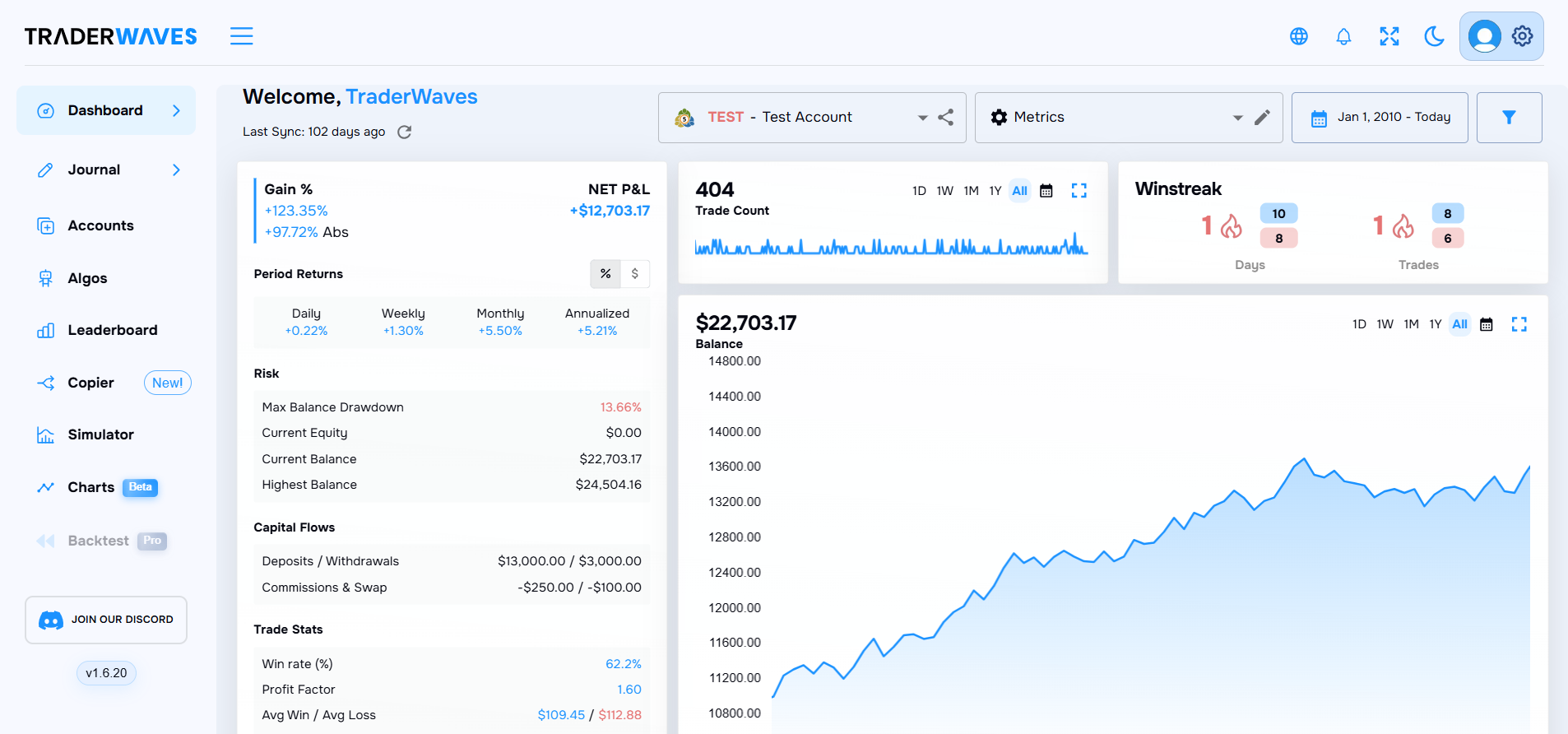
Now that your accounts are set up, personalise TraderWaves to fit your workflow. Add the widgets that matter most to your trading progress. Craft different Dashboard templates, add and rearrange widgets to find what works for you. Use custom tags to organise your strategies, spot behavioural trading patterns and monitor your progress.
4. Managing Multiple Accounts & Portfolios
TraderWaves allows you to manage multiple trading accounts seamlessly. You can: create portfolios to view trading accounts from different platforms, centralise your stats by viewing all your trading progress in one place, group strategies in portfolios to know what works for you.
5. Getting the Most Out of TraderWaves
Now that you’re set up, it’s time to optimise your trading workflow. Make the most of TraderWaves by leveraging all the features available for smarter trading. Use trade journaling to track your past trades and refine your strategy. Monitor performance analytics to identify patterns and improve consistency.
Want more insights on maximising your success?
- Visit our Help Center for technical articles and user guides.
- Join our Discord community to learn from experienced TraderWaves users and stay updated on new features.
- Explore upcoming blog content for advanced trading techniques and TraderWaves updates (Coming Soon!)
Want more insights on maximising your success?
- Visit our Help Center for technical articles and user guides.
- Join our Discord community to learn from experienced TraderWaves users and stay updated on new features.
- Explore upcoming blog content for advanced trading techniques and TraderWaves updates (Coming Soon!)